
Admin Docs
Welcome to SolidX admin documentation! SolidX is an enterprise-focused, low-code development platform engineered for today's web applications.
With SolidX, you can build sophisticated applications without the constraints of traditional low-code platforms, embracing standards-based, versatile solutions that empower your team.
SolidX is built on top of standard best practices, it is architected to be as close to a open-source stack based development workflow as possible, allowing development teams 100% flexibility without any vendor lock-in to proprietary low-code tools.
Design goals
Before you proceed further we feel it is important to talk about the design goals that are our guiding principles around building thigs in SolidX.
You can optionally choose to read about our design goals first before proceeding further with the documentation.
How to begin?
We recommend going through the documentation in the following order:
- Go through our tutorial — this will give you an in-depth walkthrough of the core features of SolidX.
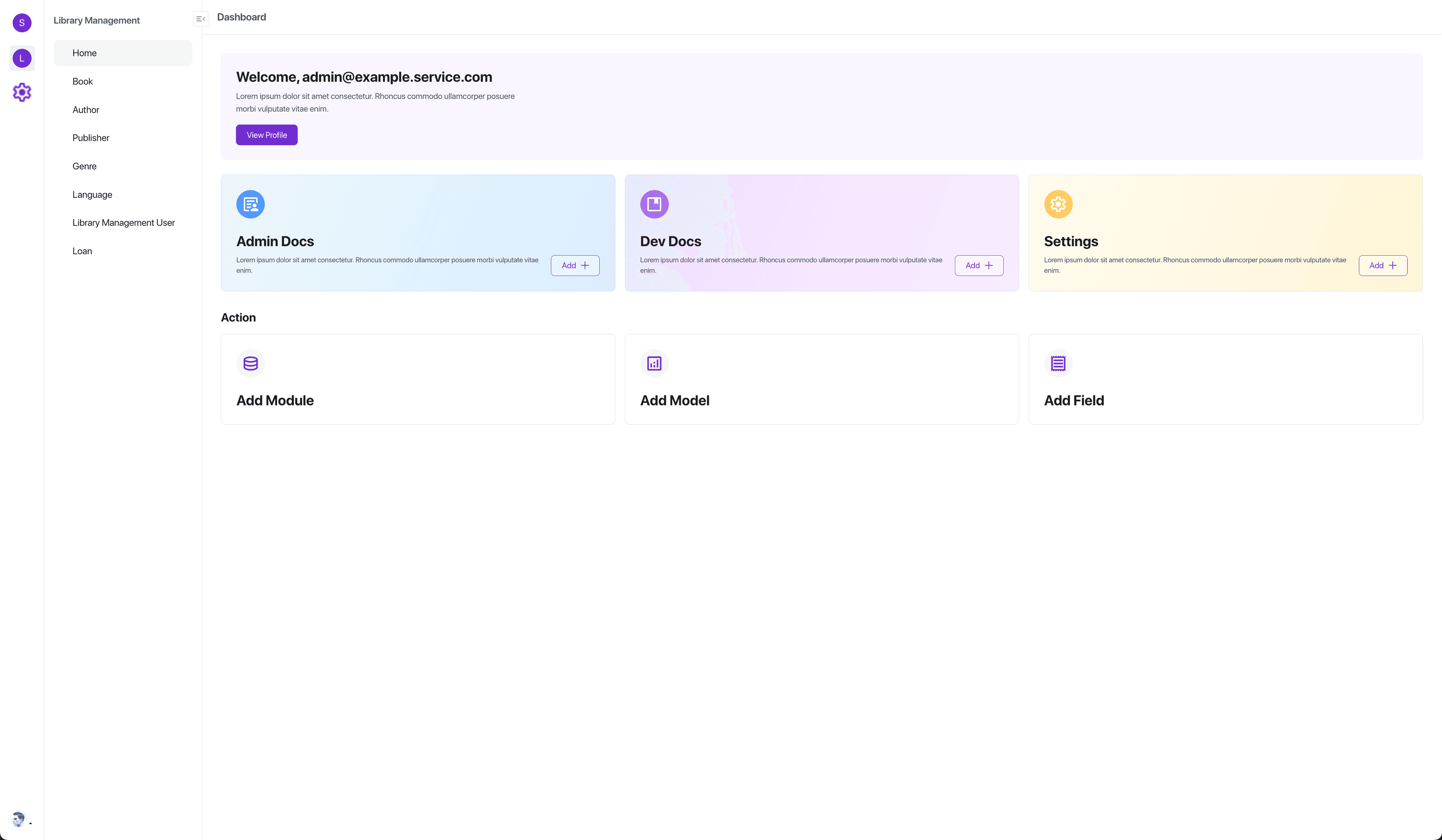
- Learn about the SolidX admin panel.
- Configure your domain's data model.
- Automatically create a feature-rich admin user interface to manage your data model.
- Automatically get access to a REST API to interact with your domain models using REST semantics.
- Use the developer documentation for finer details and as a reference to come back to.
Core Features
The following features represent the core of SolidX, arranged in the order they are best consumed:
- Module Builder — Do all your data modeling to build and customize your applications effortlessly with our intuitive App Builder. Define modules, models and their fields using the resource builder.
- Layout Editor — Use a metadata driven layout editor to control the different user interfaces generated by SolidX.
- Modules — Learn about the various features of the modules that you have generated using the Module Builder & the Layout Editor, and explore the core functionality available to every module out of the box.
- Identity and Access Management — Securely manage users, roles, and permissions directly out of the box to ensure robust access control and compliance with your organizational policies.
- Notifications — Send integrated notifications via email, SMS, and notifications (including Push Notifications and WhatsApp), with customizable templates at your disposal for effective user communication.
- Media Library — Utilize our comprehensive media library and storage provider options to facilitate easy handling and organization of your digital assets within applications.
- Queues — Send integrated notifications via email, SMS, and notifications (including Push Notifications and WhatsApp), with customizable templates at your disposal for effective user communication.
- Settings — Configure platform settings and features tailored to your needs for optimal performance and usability.
Tips to make the best of the docs
- If you already know exactly what you're searching for, use the search bar or navigate using the table of content.
- If you prefer learning more about SolidX while looking at the project code structure, you can use the interactive project structure page.
- If demos are more your thing, feel free to go through our detailed Tutorial or request a demo with our team.
Information for beginner developers
- Some parts of the documentation (e.g. APIs, Configuration, Development) are mostly intended for developers and assume some prior knowledge of the JavaScript ecosystem.
- If you also make your first steps with JavaScript web development while discovering SolidX, we encourage you to read more about JavaScript and npm.
- If applicable to your project, you can also learn about TypeScript before diving deeper into these technical parts of the documentation.